
From signup to first transaction.
A linear walkthrough. Follow it in order and you will have a live API key, a recorded sale in your account, and a populated dashboard before you finish your coffee.
Create your account
Head to /auth/register and sign up with an email and password, a magic link, a passkey, or social login. You can pick whichever you like — they all land in the same place.
Pick a real workspace email
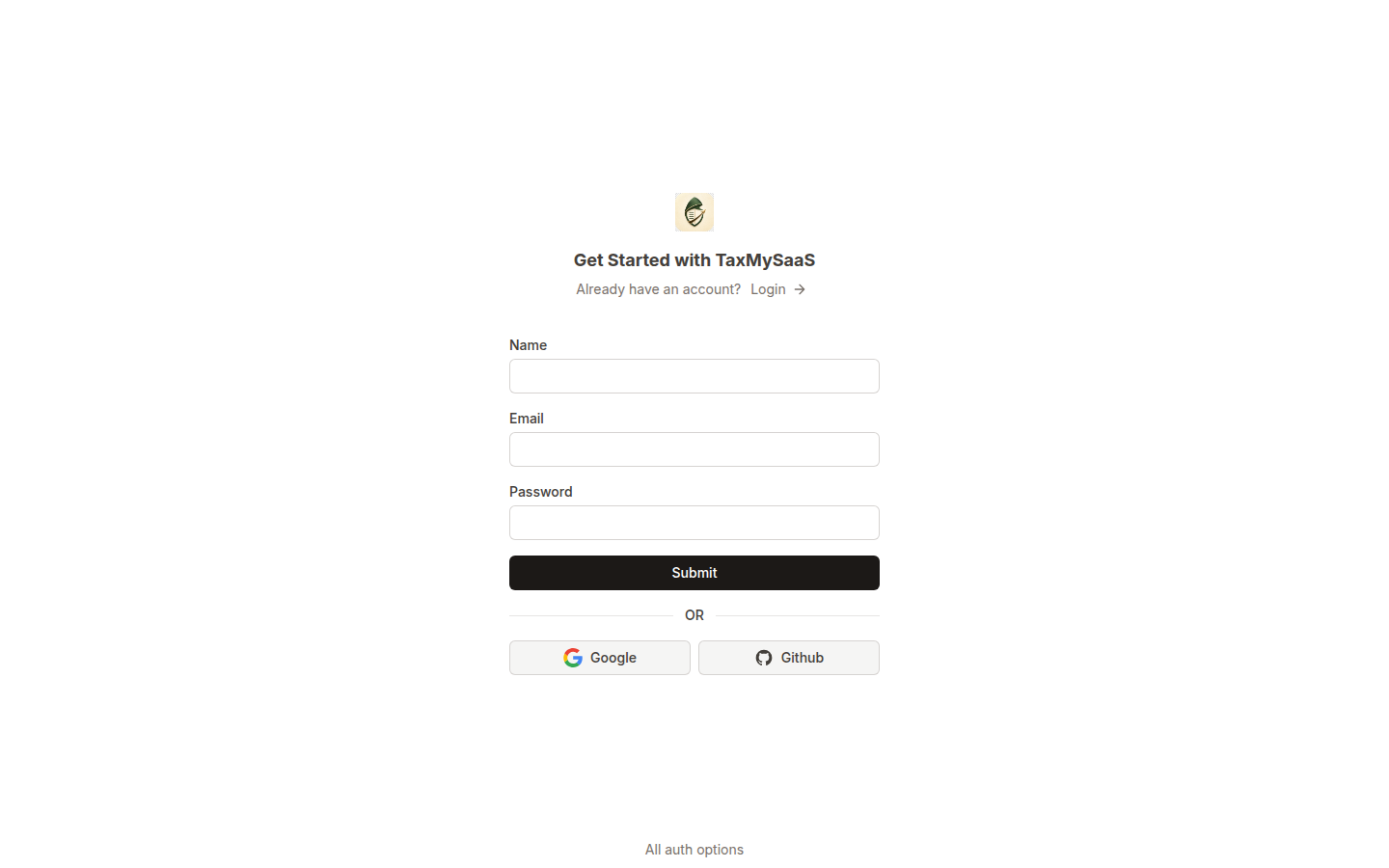
/auth/register. Name your first team
A team is the top-level tenant in TaxMySaaS. Every API key, transaction, nexus record, and webhook is scoped to one team. If you run multiple companies or environments, you can create additional teams later.
- Name: the legal company name works well (e.g. Acme Software, Inc.).
- Slug: a short URL-safe handle. Used in your dashboard URL:
/dashboard/<slug>. - Plan: Starter is free to try; upgrade any time from Billing.
Generate an API key
From the sidebar, open API Settings → API keys and click Create key. You will see the secret exactly once. Copy it somewhere safe — a password manager or a CI secret store.
Keys are shown once
Live vs test environments
Each key carries an environment tag — live or test. Calls made with a test key still hit real endpoints but do not count against nexus rollups or fire webhooks. Use test keys from staging and CI; reserve live keys for production.
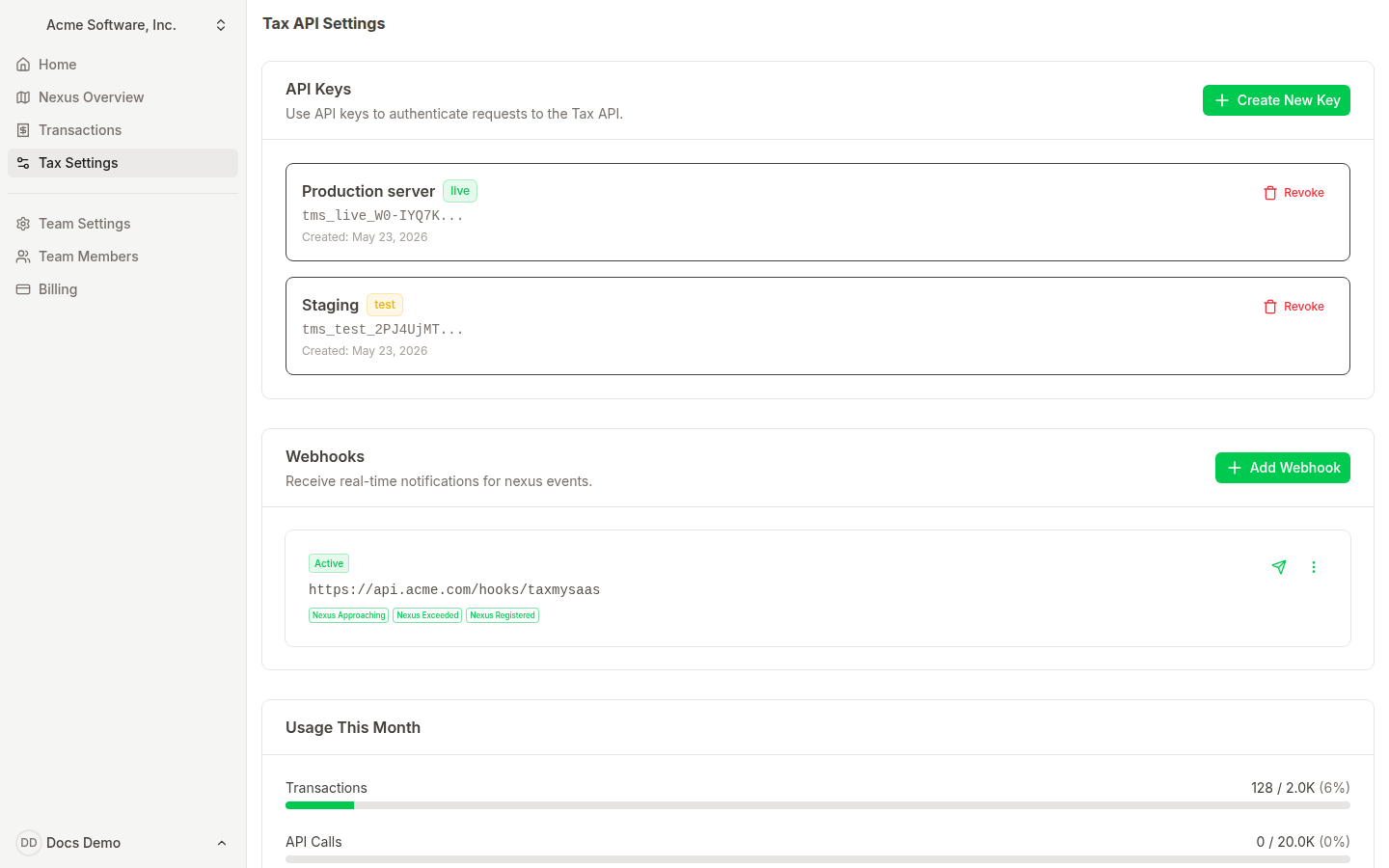
Dashboard → API Settings. Live keys are highlighted; test keys are unobtrusive. Make your first request
The fastest way to confirm the key works is to hit GET /api/v2/rates/<zip>. It returns the combined state and local sales tax rate for a US ZIP code.
$ curl https://app.taxmysaas.com/api/v2/rates/94103 \
    -H "Authorization: Bearer tms_live_..."

{
  "rate": {
    "zip": "94103",
    "state": "CA",
    "state_rate": 0.0725,
    "county": "San Francisco",
    "county_rate": 0.0125,
    "city": "San Francisco",
    "city_rate": 0,
    "combined_rate": 0.085,
    "freight_taxable": true
  }
}
Test it with no setup
200 with a rate object, the key is good and you are wired up. If you get 401, double check the Authorization header and that you copied the full secret. Calculate tax on a sale
When you are about to charge a customer, call POST /api/v2/taxes with the amount, shipping, and the customer destination address. The response tells you how much to collect and breaks it down by jurisdiction.
$ curl https://app.taxmysaas.com/api/v2/taxes \
    -H "Authorization: Bearer tms_live_..." \
    -H "Content-Type: application/json" \
    -d '{
      "to_country": "US",
      "to_state": "TX",
      "to_zip": "78701",
      "to_city": "Austin",
      "amount": 199.00,
      "shipping": 0
    }'

{
  "tax": {
    "order_total_amount": 211.43,
    "taxable_amount": 199.00,
    "amount_to_collect": 12.43,
    "rate": 0.0625,
    "has_nexus": true,
    "jurisdictions": { "country": "US", "state": "TX", "city": "Austin" }
  }
}Record the transaction
Once the charge succeeds in your billing system, record it with POST /api/v2/transactions. This is what builds your audit trail and updates the per-state nexus rollups.
$ curl https://app.taxmysaas.com/api/v2/transactions \
    -H "Authorization: Bearer tms_live_..." \
    -H "Content-Type: application/json" \
    -d '{
      "transaction_date": "2026-05-23",
      "external_id": "inv_7c4f9a",
      "customer": { "state": "TX", "city": "Austin", "zip": "78701" },
      "amount": 199.00,
      "tax": 12.43,
      "description": "Scale Plan - Monthly"
    }'
external_id is your idempotency key
external_id. If you retry the request, TaxMySaaS returns the existing transaction instead of creating a duplicate. Watch the portal light up
Open the dashboard. As transactions arrive you will see them on the home page, on the per-state nexus pages, and aggregated in the revenue chart. Approaching and exceeded states get visible alerts at the top of the home page.
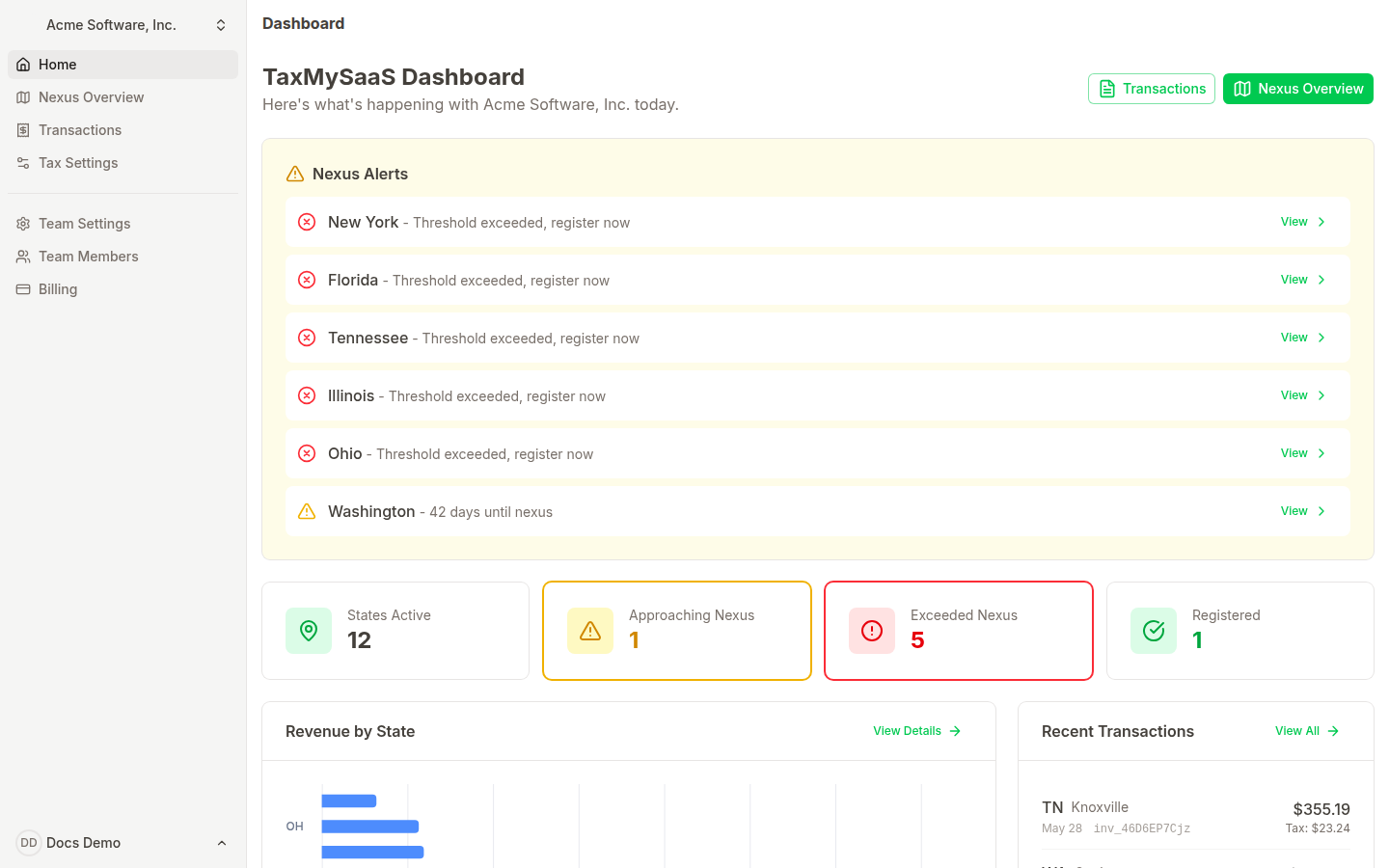
Invite your team
From Team Members you can invite coworkers by email. Members can view all dashboards and transactions; only the team owner can manage API keys, billing, and webhooks. Multiple owners are not supported today — promote the right person before handing over the workspace.
Wire up webhooks (optional)
If you want your team to know the second a state goes from monitoring to approaching, configure a webhook endpoint. The portal supports transaction.created and nexus.* events. See API → Webhooks for the payload schema and signature verification.